
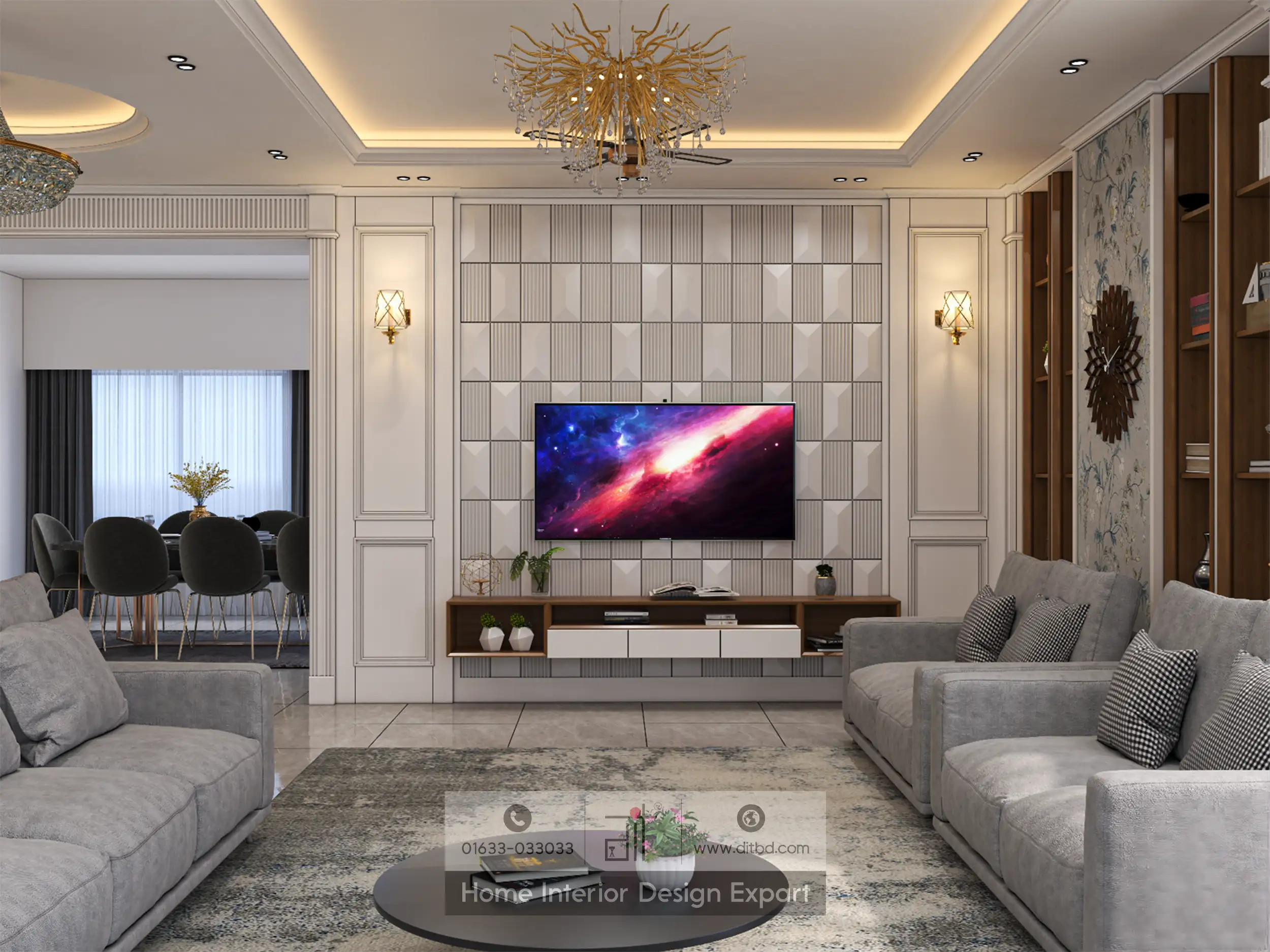
The best TV wall design ideas begin with the people watching the screen, not the decorative panel behind it. A successful television wall puts the picture in a comfortable position, stores the equipment you actually own, hides wiring safely, and remains easy to service. A large feature wall can do all of that, but a simple console and painted wall can also work beautifully.
For an apartment living room, treat the television, furniture, wiring, lighting, and seating as one plan. Choosing each separately often leaves the screen too high, the console too deep, or the sockets trapped behind an inaccessible panel.
Start with the viewing position, not the decorative wall
List every device and connection
Make an equipment inventory before drawing the cabinet. Include the TV, set-top box, streaming device, soundbar, game console, router if needed, and any other device that will live nearby. Write down each item’s dimensions, connection points, and manufacturer-required ventilation clearance.
Separate equipment storage from ordinary storage. Remotes and spare cables can go in a drawer. A device that produces heat or needs line-of-sight remote control may require a different arrangement. Add space for the plug, cable bend, and your hand to reach the connection, not just the equipment body.
Identify the best seating position
Mark the main viewing seat and any secondary seats. Then assess candidate TV walls from those positions. Consider window reflections, the route to other rooms, and whether the screen will be viewed mostly straight on or from an angle.
Do not center the TV on the entire wall if that places it noticeably off-center from the seats used every day. Visual balance can come from the surrounding cabinet composition rather than forcing the screen into a geometrically centered but uncomfortable location.
Set screen size, distance, and mounting height
Use a viewing-distance reference carefully
Screen diagonal and viewing distance should be considered together. Samsung publishes a starting reference of approximately 1.2 times the screen diagonal for an immersive viewing position. It is a manufacturer guideline, not a medical minimum or a requirement for every viewer.
The following calculations use that reference and round to the nearest centimeter:
| TV screen diagonal | Approximate distance at 1.2 times diagonal |
| 43 inches | 1.31 m |
| 50 inches | 1.52 m |
| 55 inches | 1.68 m |
| 65 inches | 1.98 m |
These figures are starting points, not instructions to move a sofa closer at any cost. Test ordinary content, subtitles, and the viewing preferences of the household. The chosen TV’s resolution and the material you watch also belong in the decision. Measure from the screen to the viewer’s eyes, not simply from one wall to the other.
Mock up the screen at seated eye level
Use a paper or tape rectangle to represent the actual screen size. Sit naturally in the main seat and adjust the proposed height until looking at the center feels comfortable. Seated eye level is a useful design starting point, but reclined seating and personal preference can change the result.
Do not choose a universal mounting height based only on the TV size. A tall console, elaborate panel, or decorative shelf should not force the screen upward. Check the relationship between the screen, soundbar, and cabinet before locating the bracket.
The screen diagonal does not provide the complete installation dimensions. Use the manufacturer’s overall width and height, bracket arrangement, and connector positions when designing a recess.
TV wall design ideas for different storage needs
A simple console and painted wall
A floor-standing console with a plainly finished wall is a sensible starting point for many rooms. It avoids building an entire cabinet system around a television that may be replaced later.
Choose a console deep enough for its contents but not so deep that it reduces the walking route. A matte finish is worth testing where reflected light is distracting. The wall can remain visually quiet while artwork or a plant sits elsewhere in the room.
A floating unit with a shallow panel
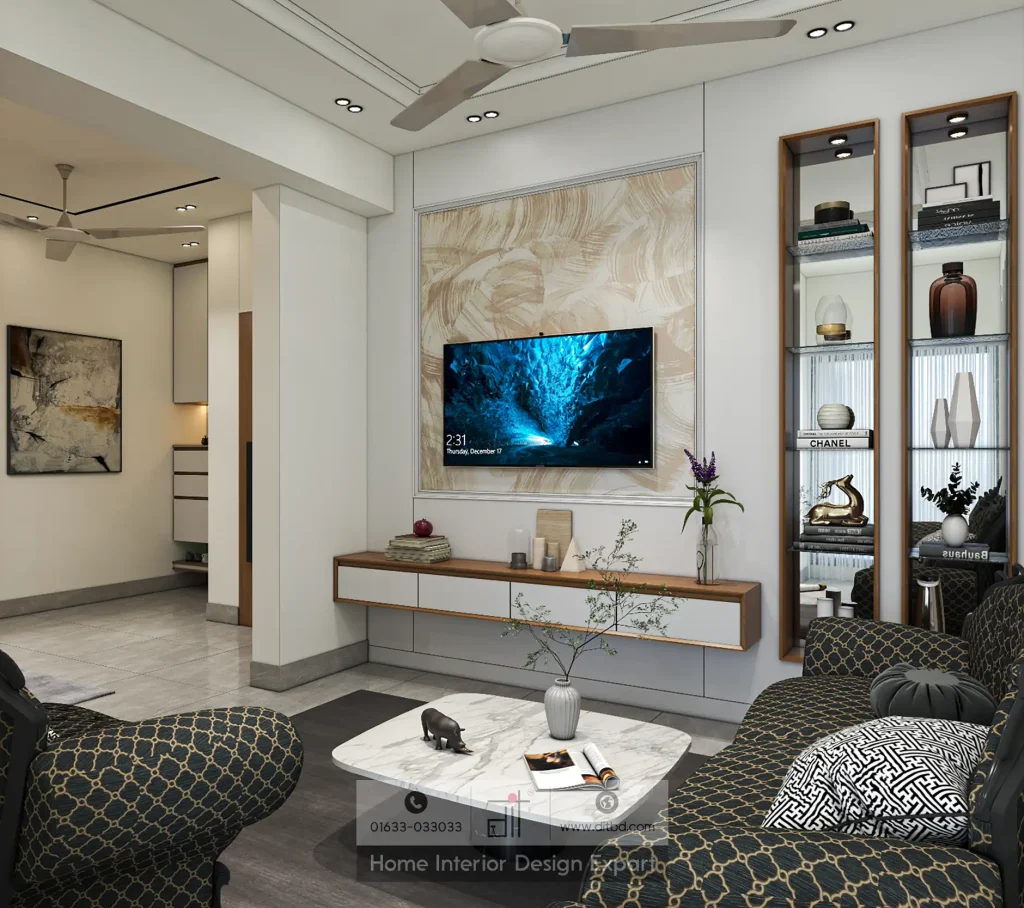
A floating console can leave the floor below accessible, provided there is enough space for cleaning equipment. It also places more responsibility on the wall fixing, so verify the construction before choosing the unit.
A shallow decorative panel can organize the TV, sockets, and signal-cable route. Include a removable section or another practical way to access connections. A panel that must be broken to change a cable is not an effective cable-management solution.
One-sided storage tower
A cabinet tower on one side can provide closed storage without surrounding the screen completely. Balance it with a lower console or a small amount of open shelving rather than duplicating the same mass on both sides automatically.
Put daily belongings at convenient heights. Use higher compartments for lighter, occasional items. Before approving the tower, confirm that its door does not hit the screen, a curtain, or a nearby room door.
A full media wall or divider
A full-height media wall can work when there is a genuine storage requirement and enough room depth. Draw the cabinet interiors before deciding on the exterior pattern. Large decorative boxes with little usable capacity are an expensive way to lose floor space.
A TV built into a living-dining divider needs additional coordination: viewing from the intended side, equipment access, cable routing, stability, and the finish on the back. Do not assume a screen mounted on a divider can safely rotate unless the entire mechanism and support are designed for it.
Plan storage around equipment and daily belongings
Separate equipment space from ordinary storage
Use one part of the console for operating equipment and another for remotes, manuals, spare controllers, or household items. Avoid placing fabric storage, tightly packed books, or loose papers against device vents.
An open shelf is not automatically well ventilated if its sides and back trap heat. Equally, a closed compartment may be usable only when the equipment maker’s clearance and ventilation requirements are met. Follow the actual manuals rather than assuming one standard gap is adequate for every device.
Avoid buying cabinet space you cannot use
Check shelf openings against the objects they will hold. Include cable connectors at the rear, side-facing ports, and the space needed to remove equipment without scraping the finish.
Give ordinary storage a purpose. A shallow drawer can hold remotes neatly; a deeper compartment may accommodate a game controller case or documents. If you cannot identify what a cabinet is for, consider whether the room needs it at all.
Hide cables without hiding a future problem
Coordinate fixed electrical work
Ask a qualified electrician to plan permanent power outlets and wiring for the intended equipment. The installation must suit the local supply, device ratings, and applicable requirements.
Do not treat an extension lead pushed through a wall as permanent concealed wiring. The Electrical Safety Foundation advises against routing extension cords through walls and identifies them as temporary solutions.
Keep plugs and protective devices accessible. Avoid creating a situation where a person must unmount the TV merely to isolate a device. Tell the electrician which cables are power and which are signal connections so they can design appropriate routes and separation.
Provide replaceable signal-cable routes
For HDMI and other signal cables, plan a serviceable conduit or accessible channel with enough space for the actual connector heads and bends. A tube that accepts a bare cable but not its attached connector is not useful for future replacement.
Discuss route length and compatibility with the equipment installer. Provide a draw cord where appropriate, and keep access points reachable after the cabinet is finished. Never cut structural members or drill blindly into a wall to make a cable disappear.
Label and test connections
Label both ends of every cable. Record which HDMI input serves the set-top box, game console, or soundbar. Keep a simple connection list in a drawer or digital note.
Test the complete system before closing panels: picture, sound, remote control, streaming connection, and power isolation. A loose cable discovered before installation is an easy correction. The same issue behind sealed joinery becomes a frustrating repair.
Make mounting and ventilation part of the design
Match the fixing to the actual wall
Confirm whether the bracket attaches to concrete, masonry, structural framing, or another substrate. Decorative board is not automatically a suitable load-bearing surface. The installer must verify the support, fixing type, bracket compatibility, and the TV’s weight.
Check VESA compatibility against the television and bracket specifications rather than relying on screen size alone. A bracket that physically reaches the holes still needs the correct load rating and installation method.
For a TV on a console, use the manufacturer’s stand arrangement and suitable anti-tip measures. CPSC guidance recommends securing televisions and relevant furniture against tip-over.
Follow model-specific clearances
Keep the TV and each device’s ventilation openings unobstructed. Check clearances with the equipment installed, including the position of cables and power supplies.
Provide a removable back or service panel where access would otherwise be difficult. Consider how a future TV will be removed from the bracket and lifted out. A very tight decorative border may make routine replacement needlessly complicated.
Control glare, lighting, and sound
Look for reflections at the times the room is usually used. Test curtains or blinds before relocating the television or covering a window. An expensive wall finish cannot correct an unsuitable relationship between screen and daylight.
Keep decorative accent lighting out of the direct view and away from obvious screen reflections. Give the main room lights independent control so you can adjust the room without leaving a walkway dark.
Place a soundbar according to its manufacturer’s instructions, leaving its drivers and controls unobstructed. Check that it does not block the TV’s remote sensor or picture. Test sound from the main seats before designing a fitted enclosure around audio equipment.
A practical installation sequence and handover test
First, approve the seating arrangement and screen position. Next, verify the wall support and obtain the actual equipment specifications. Coordinate power, signal routes, and cable access before fabrication. Only then finalize panel divisions, shelf sizes, and finishes.
At handover, check the TV from every regular seat. Open every drawer and cabinet door. Confirm access to plugs and ports, remove one device as a practical test, and make sure no cables are stretched when the bracket moves within its intended range.
Ask for the bracket instructions, equipment clearances, and photographs of concealed routes before they were closed. Keep spare finish information and the joinery drawing. These records make future maintenance much easier than relying on someone’s memory.
Frequently asked questions
Should the TV be centered on the wall?
It should work well from the main viewing position. Centering on the seating group can be more useful than centering on an entire wall that includes a doorway or storage tower.
Is a floating TV console better for a small room?
It may suit the design, but it does not remove its physical depth. Compare storage capacity, cleaning access, and fixing requirements with a floor-standing unit before choosing.
Can I completely enclose my set-top box and router?
Only if the arrangement meets each device’s ventilation and operating requirements. Check remote-control access, cable reach, and the ability to remove the devices. Test connectivity before finalizing the cabinet.
How much space should I leave around the TV?
Use the actual television’s manual and bracket instructions. There is no single clearance that applies to every television, recess, and mounting system.
Should I make the cabinet fit one exact TV size?
Avoid unnecessary dependence on one model. Keep replacement and removal in mind, especially when designing a recess or a fixed border around the screen.
Choose a TV wall that stays usable
A good installation remains comfortable to watch and straightforward to maintain after the decorative work is complete. Prioritize screen position, equipment access, safe wiring, and practical storage. The strongest TV wall design ideas support the room instead of making the room work around the television.